
Find Your Answer Fast.
Browse by topic, or ask our team directly.
HOW IT WORKS
Platform and AI Agents
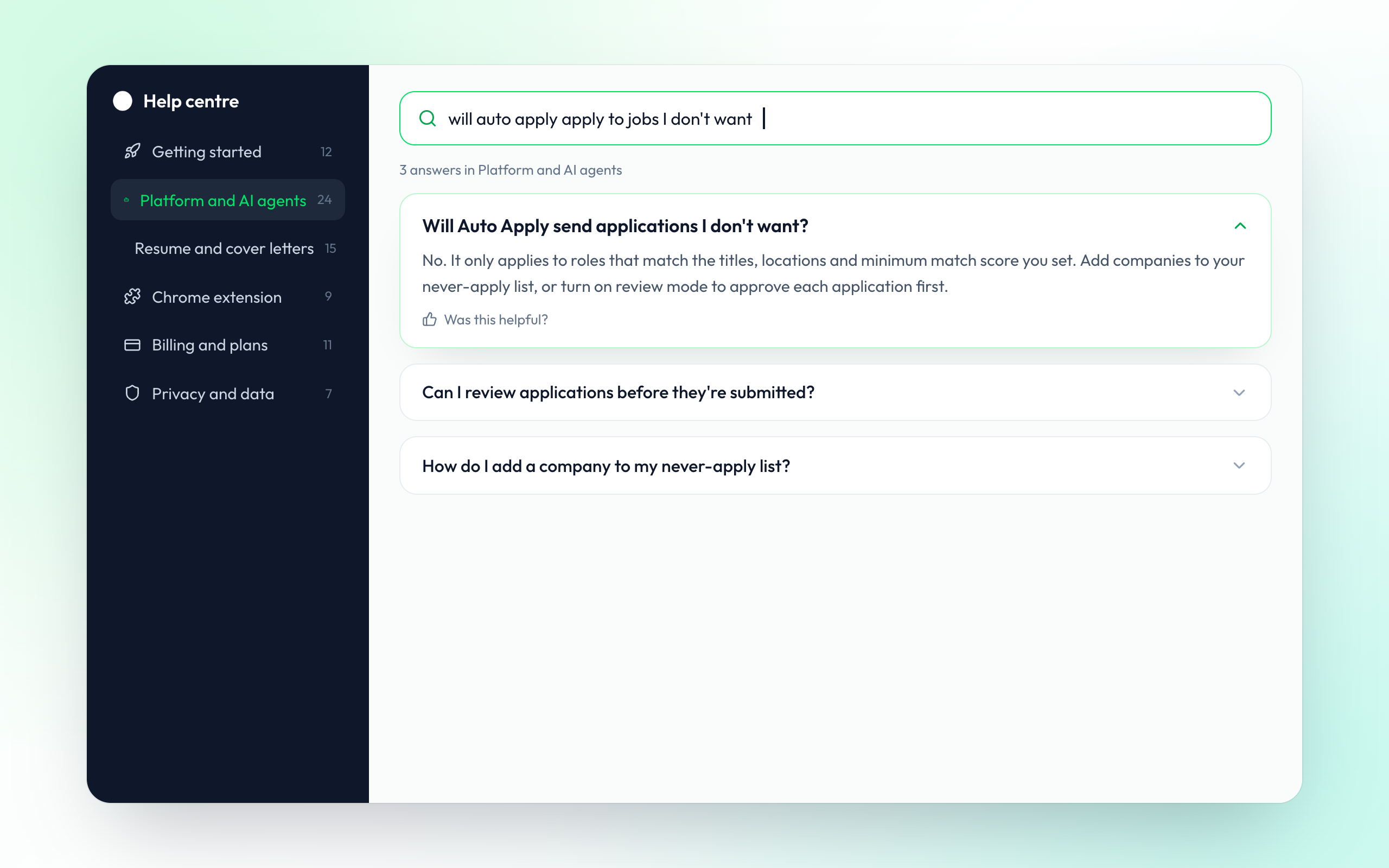
How the agents choose jobs, how resumes are tailored, when you review before anything is sent and which job boards are supported. Search a question and get a straight answer.
- How agents pick jobs
- Review mode and limits
Frequently Asked Questions
Setup, AI agents, privacy, plans and support.
MindMyJob is an AI job search platform. It helps you build and tailor your resume, find matching jobs, apply automatically or in one click, reach recruiters and prepare for interviews, all from one dashboard and a Chrome extension.
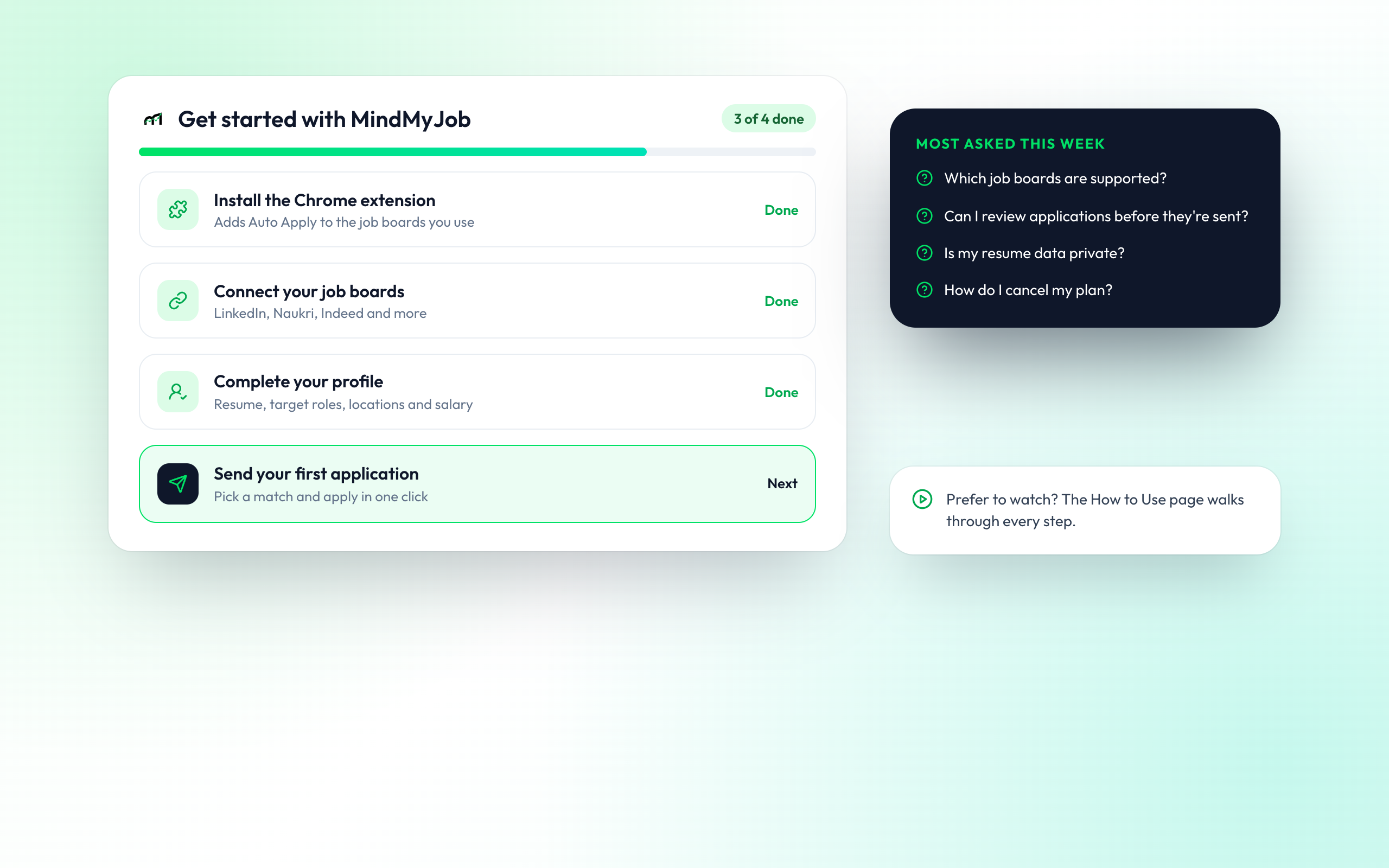
Create an account, install the Chrome extension, connect the job boards you use and complete your profile with your resume, target roles and locations. Then pick a matching job and send your first application. The How to Use page walks through each step.
LinkedIn, Naukri, Indeed, Foundit, Instahyre and Internshala.
Auto Apply finds matching roles and applies on a schedule you set. Live Apply shows jobs minutes after they are posted and applies to the ones you pick. Tailored Apply rewrites your resume for each job. Inbox Apply finds the recruiter and sends a short, personal note.
No. It only applies to roles that match your titles, locations and minimum match score. You can add companies to a never-apply list, set a daily limit, or turn on review mode to approve each application first.
Yes. Pause or stop any agent from your dashboard at any time. Applications already sent stay in your tracker.
Your master resume stays as you wrote it. When an agent tailors a resume, it creates a separate copy for that job and you can see what changed.
Your resume and profile are used only to find jobs and apply on your behalf. We do not sell your data. You can download or delete your data from your account settings.
Yes. You can create a free account and use core tools such as the resume builder, resume scoring and the job board. Paid plans add more agent applications, tailored resumes and mock interviews. See the Pricing page for current limits.
Some actions, such as tailored resumes and AI mock interviews, use credits from your plan. Your usage for the current cycle is shown on your account page, and limits reset when your plan renews.
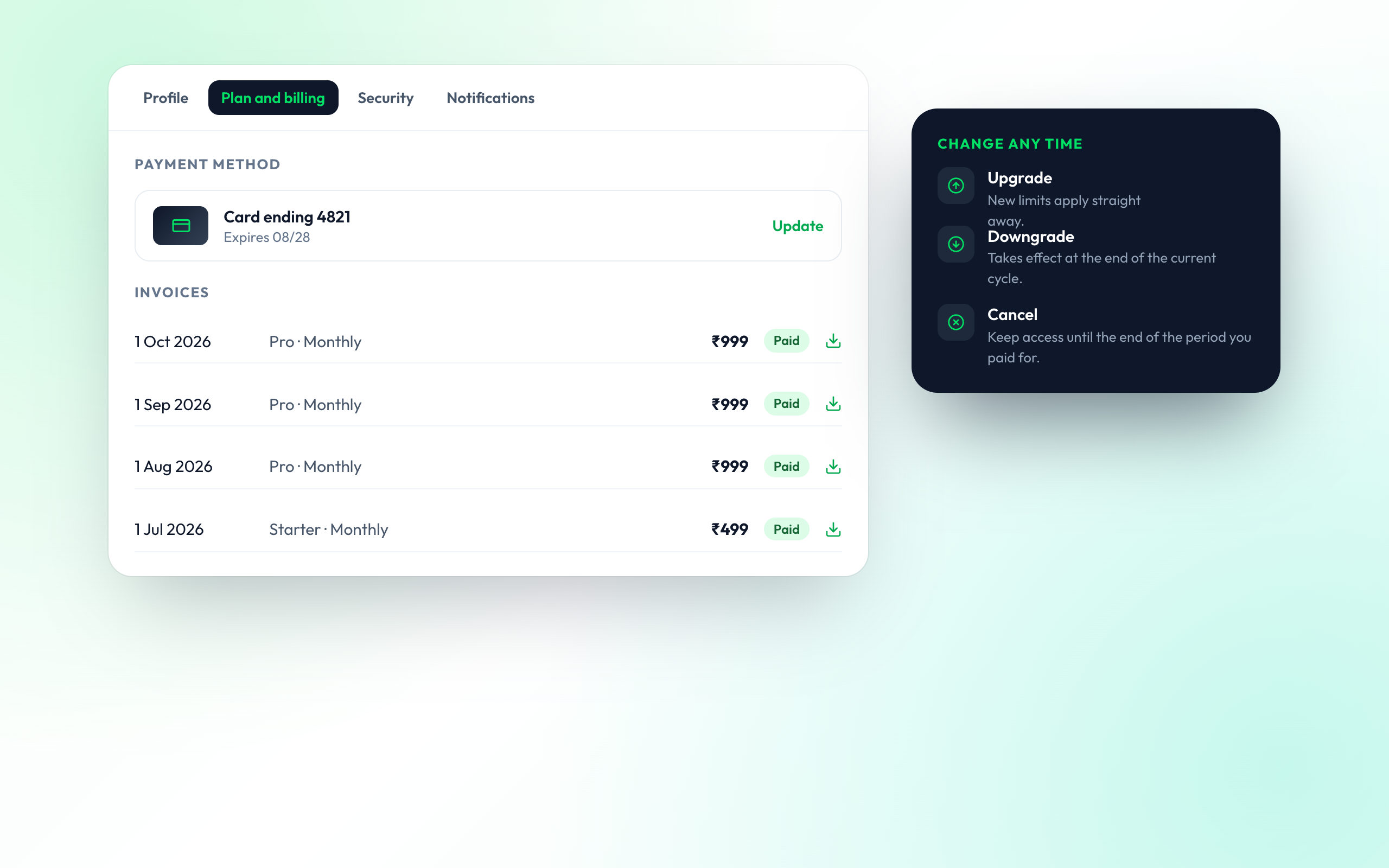
Yes, from your account page. Upgrades apply straight away. Downgrades and cancellations take effect at the end of the period you have paid for, and you keep access until then.
Every payment has an invoice you can download from Plan and billing in your account settings.
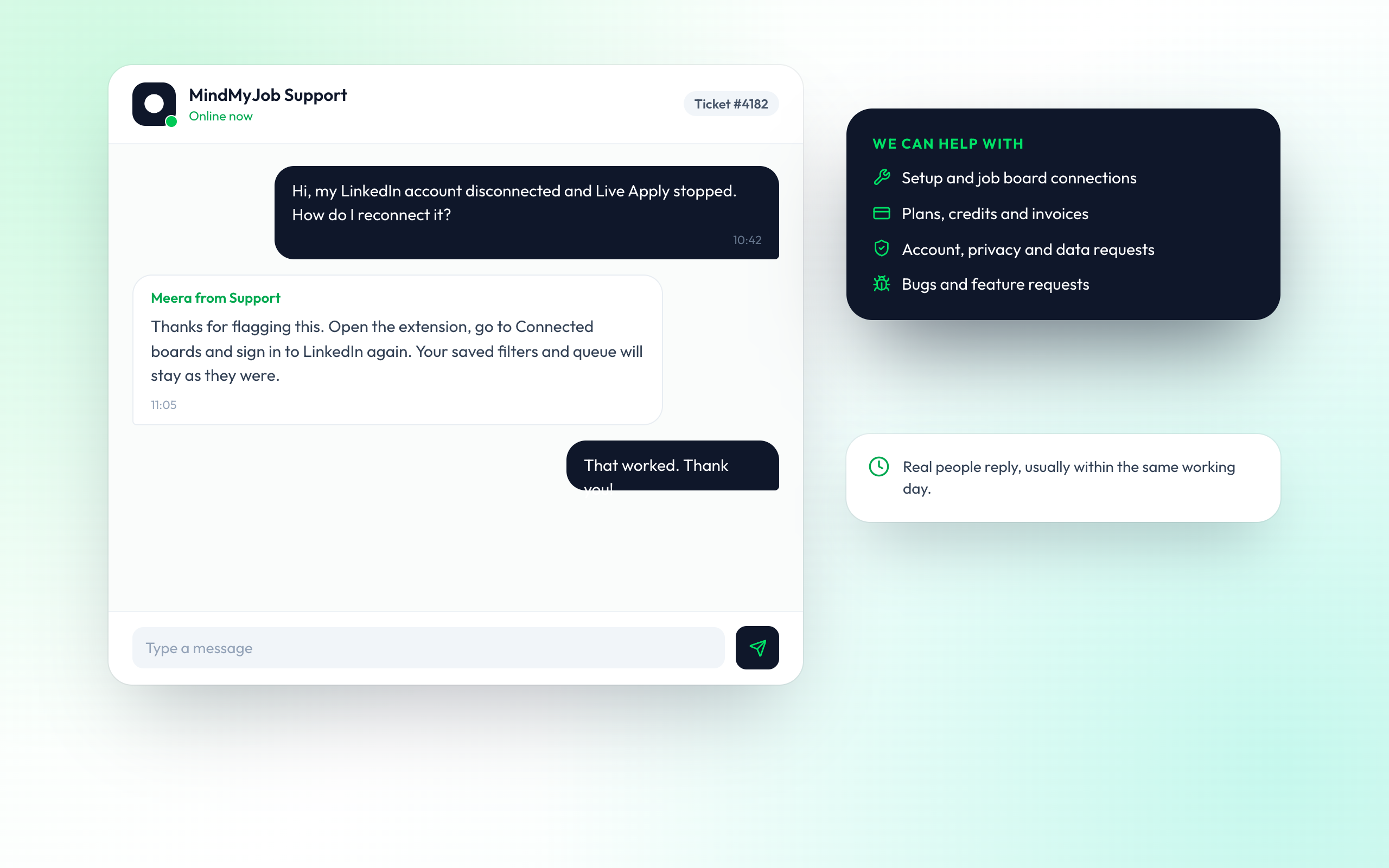
Send a message from the Support page. A member of our team will reply, usually within the same working day.