CareerAdviceThatGets You Hired.
Practical guides on resumes, interviews and salary negotiation, with real examples, checklists and scripts you can use today.

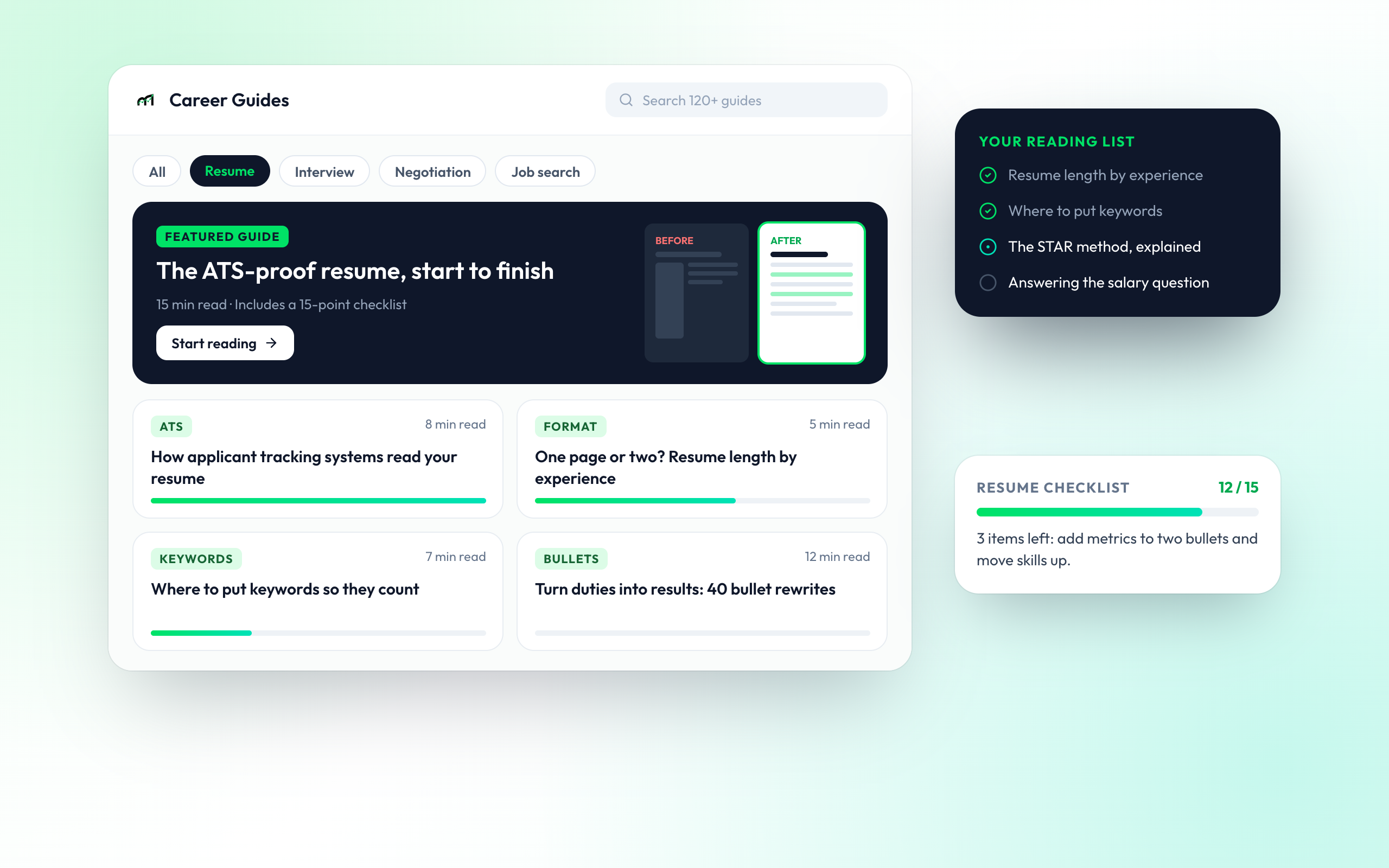
Learn It. Then Use It.
Every guide links to the MindMyJob tool that puts the advice into practice.
GET PAST THE FILTER
Resume and ATS Guides
Learn how applicant tracking systems read a resume, which layouts break them and where keywords belong. Each guide ends with a checklist you can run on your own resume.
- ATS-safe layout rules
- Keyword placement by section
Advice That Worked
From job seekers who put the guides to use

Rahul V.
Backend Engineer

Sneha P.
UX Researcher

Ananya R.
Product Manager
Questions About Career Guides
What the guides cover and how to use them.
Yes. Every guide is free to read, with no account needed. Sign up only if you want to use the MindMyJob tools the guides link to.
Resumes and ATS, interview preparation for behavioural, technical and case rounds, salary negotiation, and running an efficient job search.
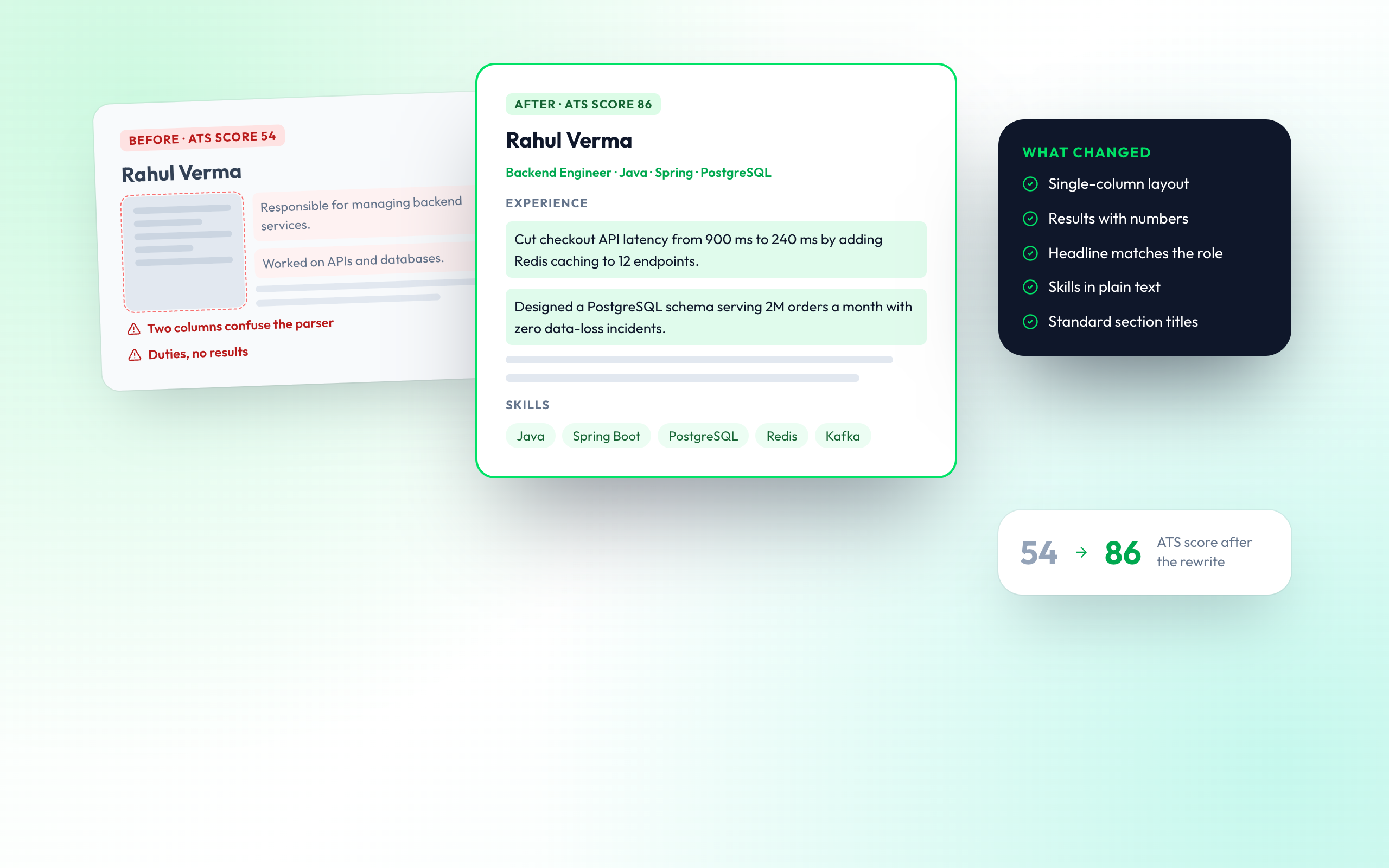
Use a single-column layout, standard section titles such as Experience and Skills, plain-text skills instead of graphics, and the exact keywords from the job description. Our ATS guide walks through each rule with before-and-after examples.
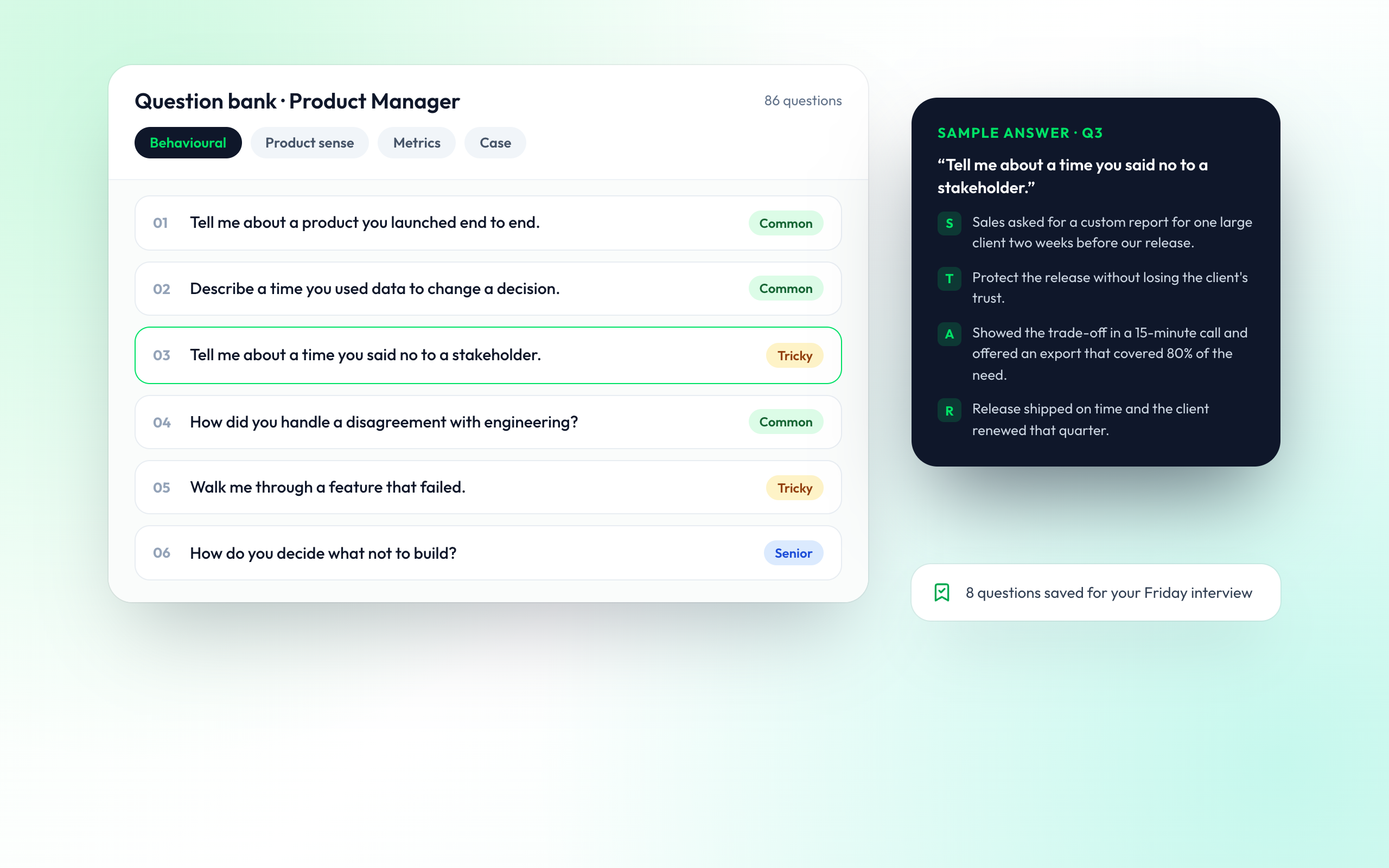
STAR stands for Situation, Task, Action and Result. It is a way to structure answers to behavioural questions so you give a specific example, explain what you did and show the outcome. The interview guides include sample STAR answers by role.
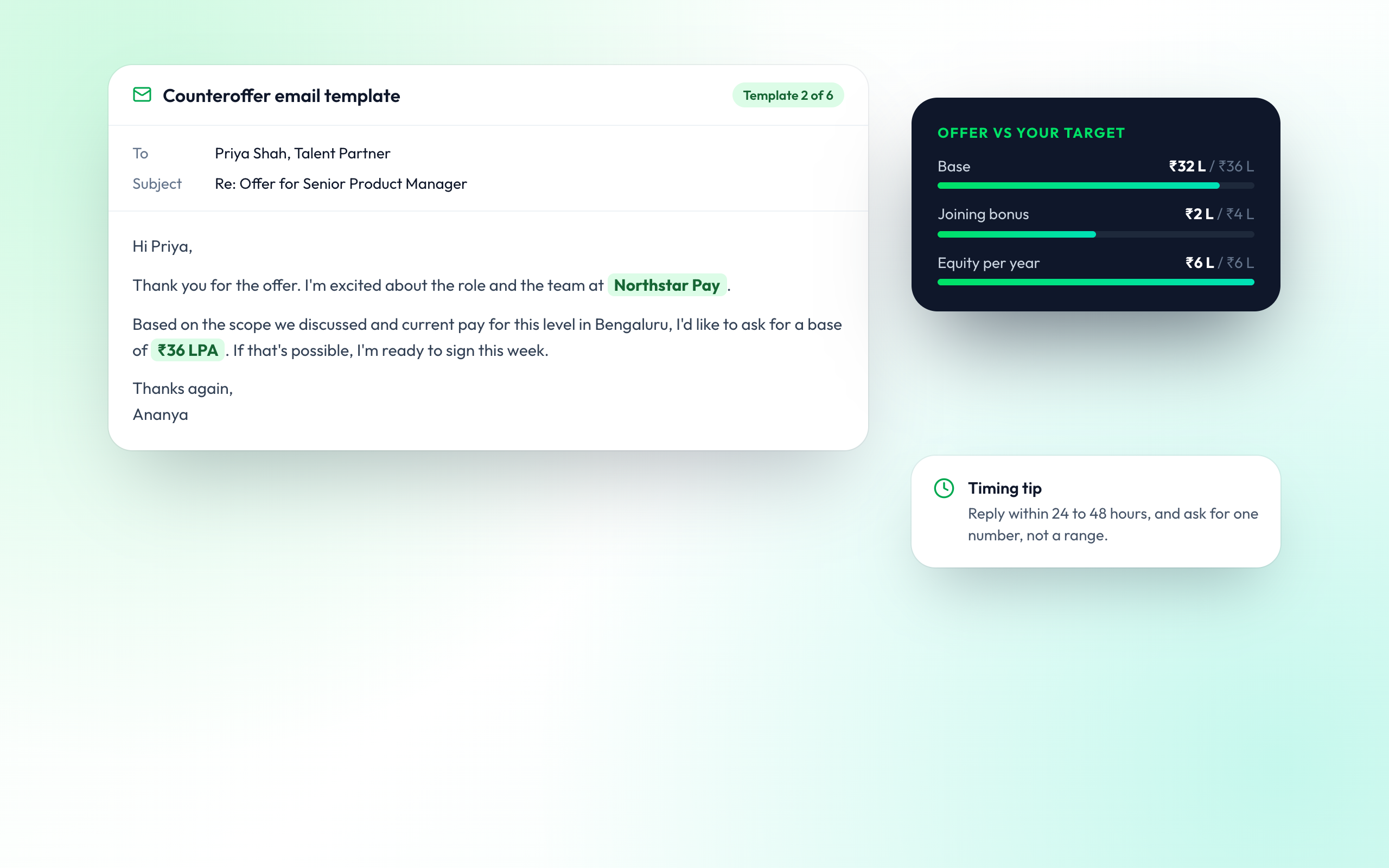
Give the market range for the role and city rather than your current pay, then ask whether it fits their budget. The negotiation guides include word-for-word scripts for this and for countering an offer.
Yes. Each guide links to the matching tool: the Smart Resume Builder and JobFit Scorer for resumes, AI Mock Interview for interview answers, and Salary Insights for negotiation.
We review guides regularly and update them when hiring practices change, for example when common ATS platforms change how they parse resumes.