ApplyStraighttoTheir Inbox.
An application alone can sit unread for weeks. Inbox Apply finds the recruiter for each job, sends a short personal note with your best result and shows you who replied.


Get Seen, Not Just Submitted.
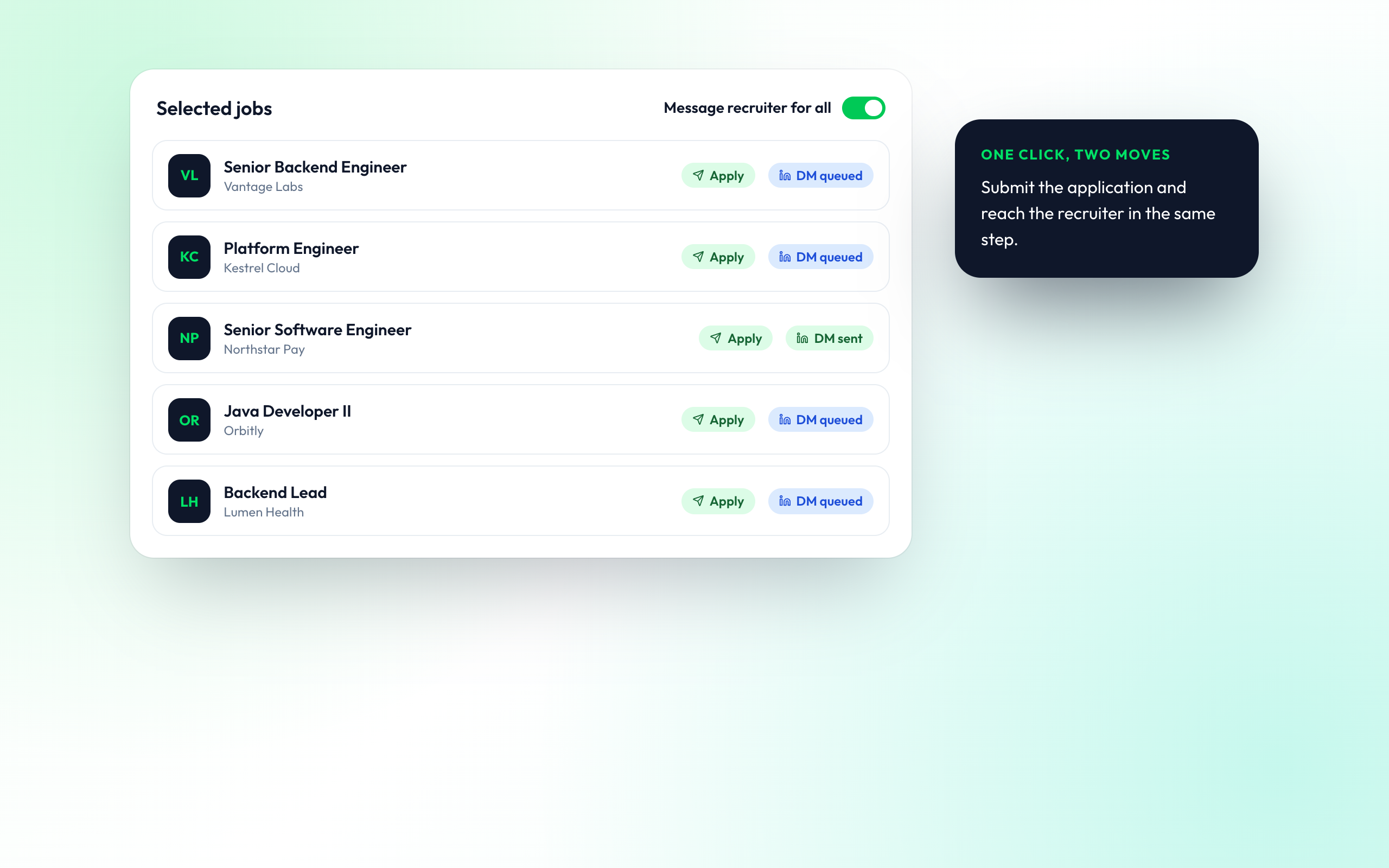
Every application paired with a message to someone who can move it forward.
ONE CLICK, TWO MOVES
Paired With Every Application
Turn on recruiter messaging when you apply through Live Apply or Auto Apply. Each application is followed by a note to the hiring team for that job.
- Toggle per job or for all
- Works with Live Apply
Replies From the Hiring Team
From job seekers who stopped waiting on the portal

Aisha K.
Data Scientist

Marcus T.
DevOps Engineer

Emily G.
Marketing Manager
Questions About Inbox Apply
Who gets messaged, what is sent and how it is tracked.
Inbox Apply sends your application straight to the people who hire. After you apply, it finds the recruiter or hiring manager for the role and sends them a short, personal message with your strongest result.
For each job it looks for the recruiter or hiring manager at that company who hires for the team, and shows you who it found before anything is sent.
It names the role you applied for, gives one result from your resume that matches the job and makes a small, clear ask. LinkedIn notes stay under the 300-character limit.
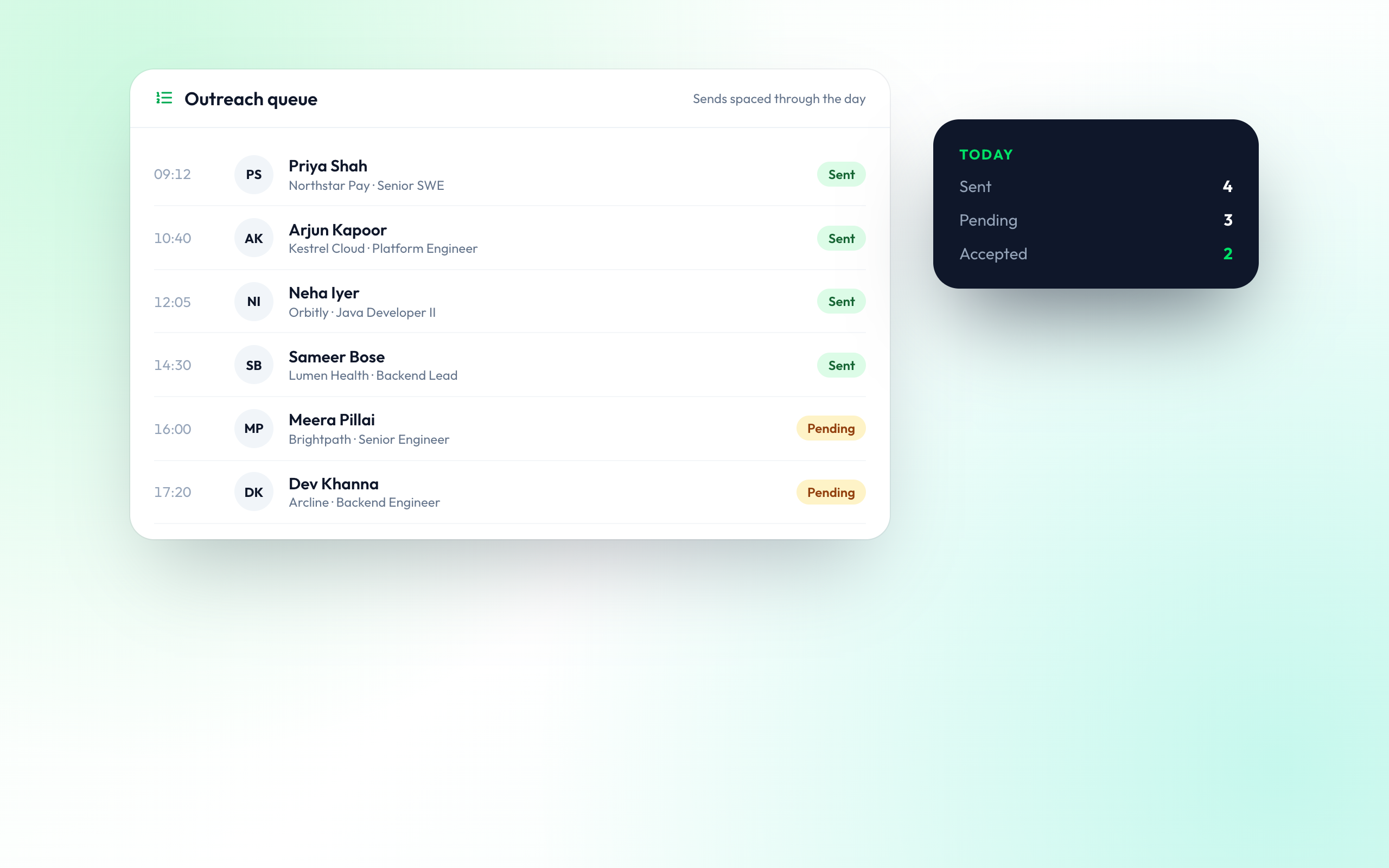
Yes. You can read and edit any message, and every message waits in your outreach queue until it is sent.
Messages are spaced out instead of sent all at once, which keeps your outreach looking personal and protects your LinkedIn account.
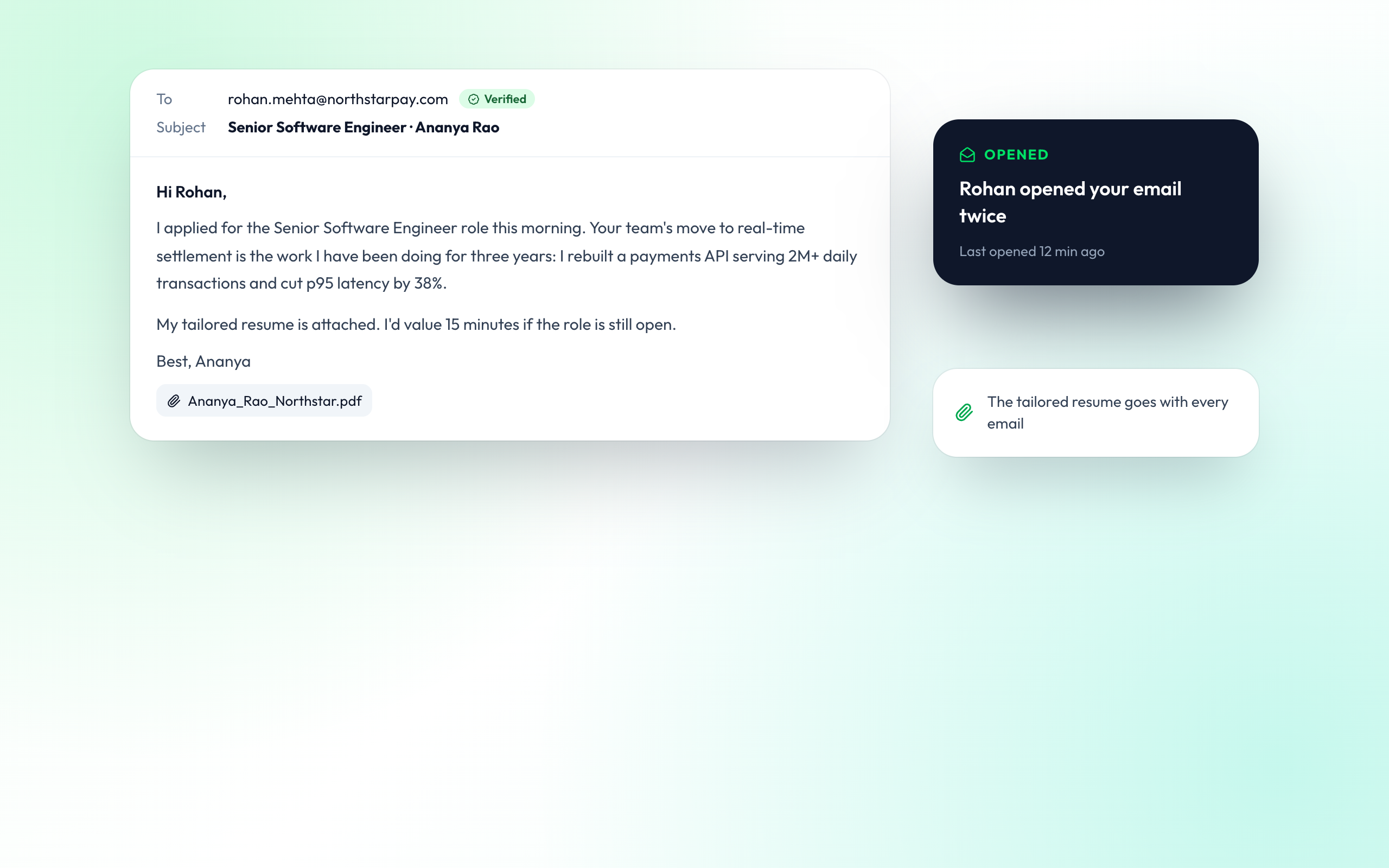
Yes. Where a verified work email is available, Inbox Apply can send an email with your tailored resume attached and show you when it is opened.
Yes. Turn on recruiter messaging for selected jobs and each application is paired with a message to the hiring team.